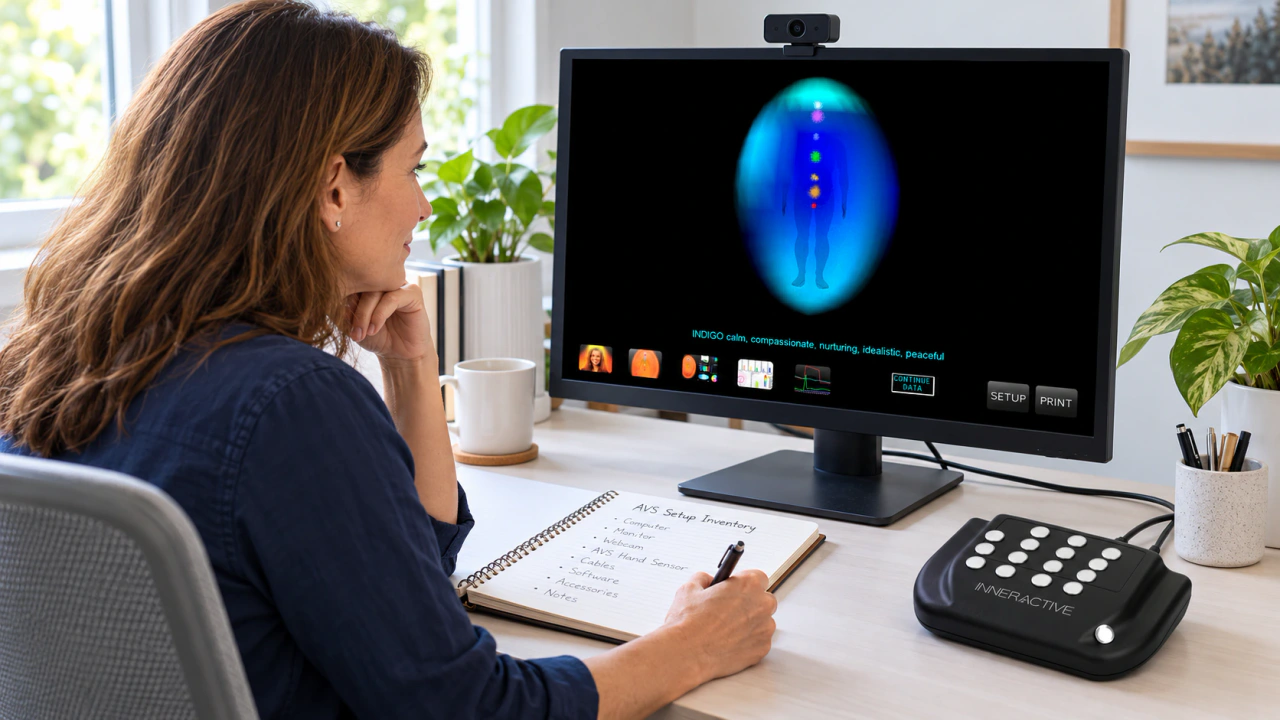
Aura Video Station
Explore AVS reference information and guidance for the system you already own. For your next visual-session setup, we recommend AuraCloud® 3D.
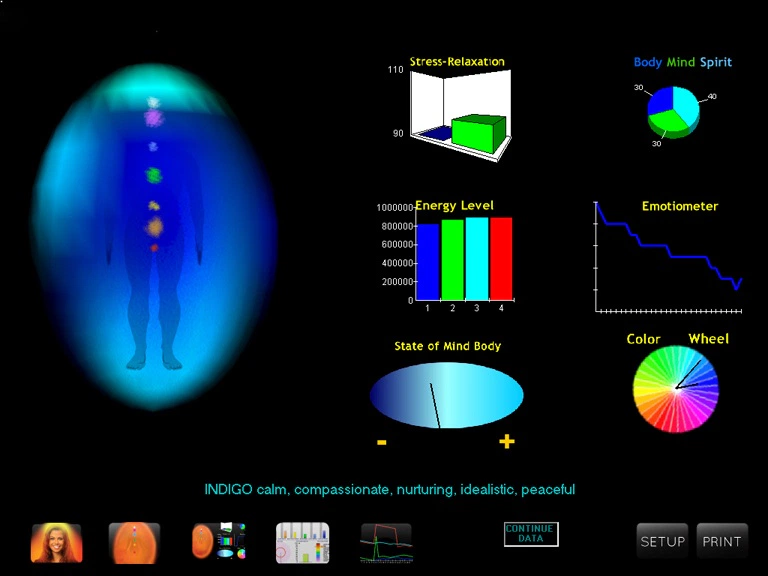
Explore your AVS reference information
Use the Aura Video Station information to understand your existing product, setup and session workflow. For a new equipment inquiry, we recommend AuraCloud® 3D.
Identify your AVS configuration
Use the AVS 7 Basic and Pro references to identify your existing product and software version.
Plan the presentation
Consider camera placement, the display and how participants will see the visual output.
Prepare for everyday use
Review setup requirements and the instructions for your exact product and version.
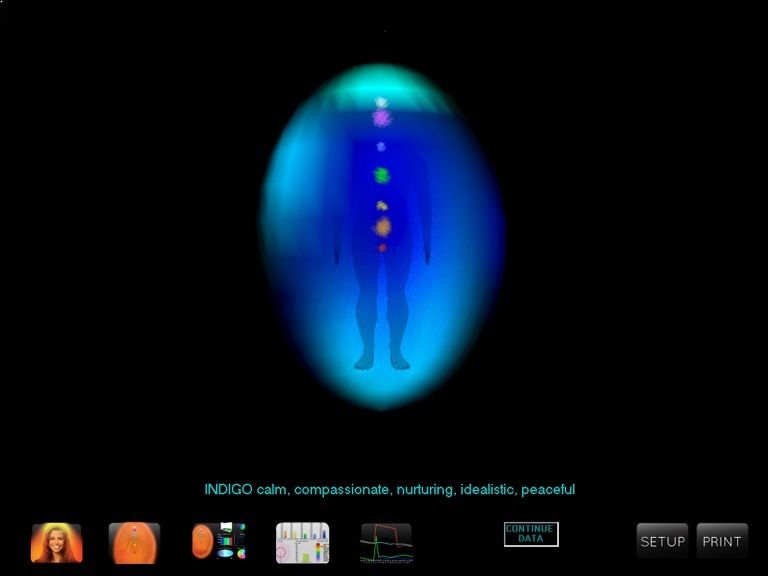
Identify your AVS configuration
Use the AVS 7 Basic and Pro references to identify your existing product and software version.
*Images above may differ from actual
Plan the presentation
Consider camera placement, the display and how participants will see the visual output.
*Images above may differ from actual
Prepare for everyday use
Review setup requirements and the instructions for your exact product and version.
*Images above may differ from actual
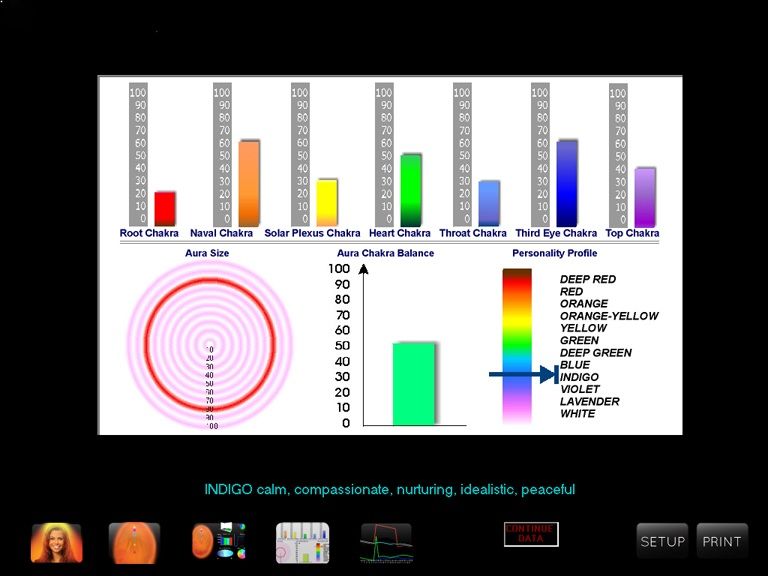
Review the visual and report options for your exact AVS product and software version. Plan how you will present the colors and discuss the session with participants.
An AVS session, step by step
Build a clear, repeatable workflow around your existing AVS equipment and software.
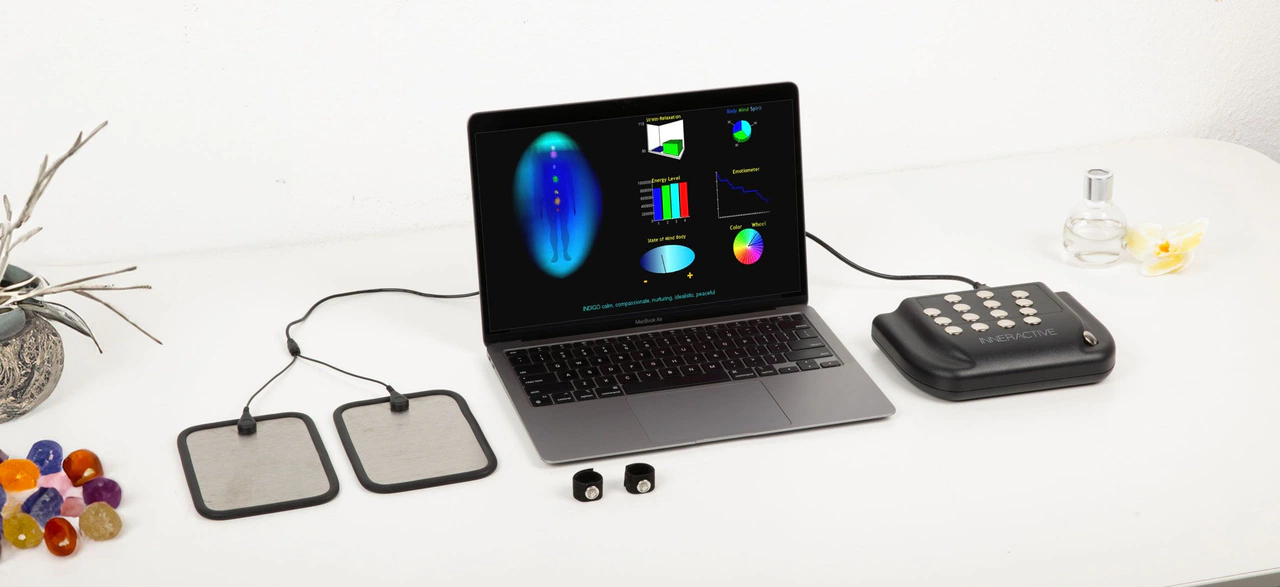
Computer not included.
Prepare the space
Allow for the computer, camera, sensor and participant position specified for your setup.
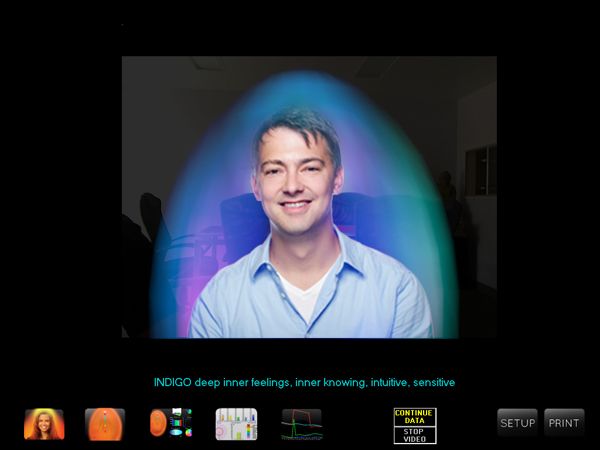
Guide the session
Explain the steps, introduce the visual display and leave room for questions.
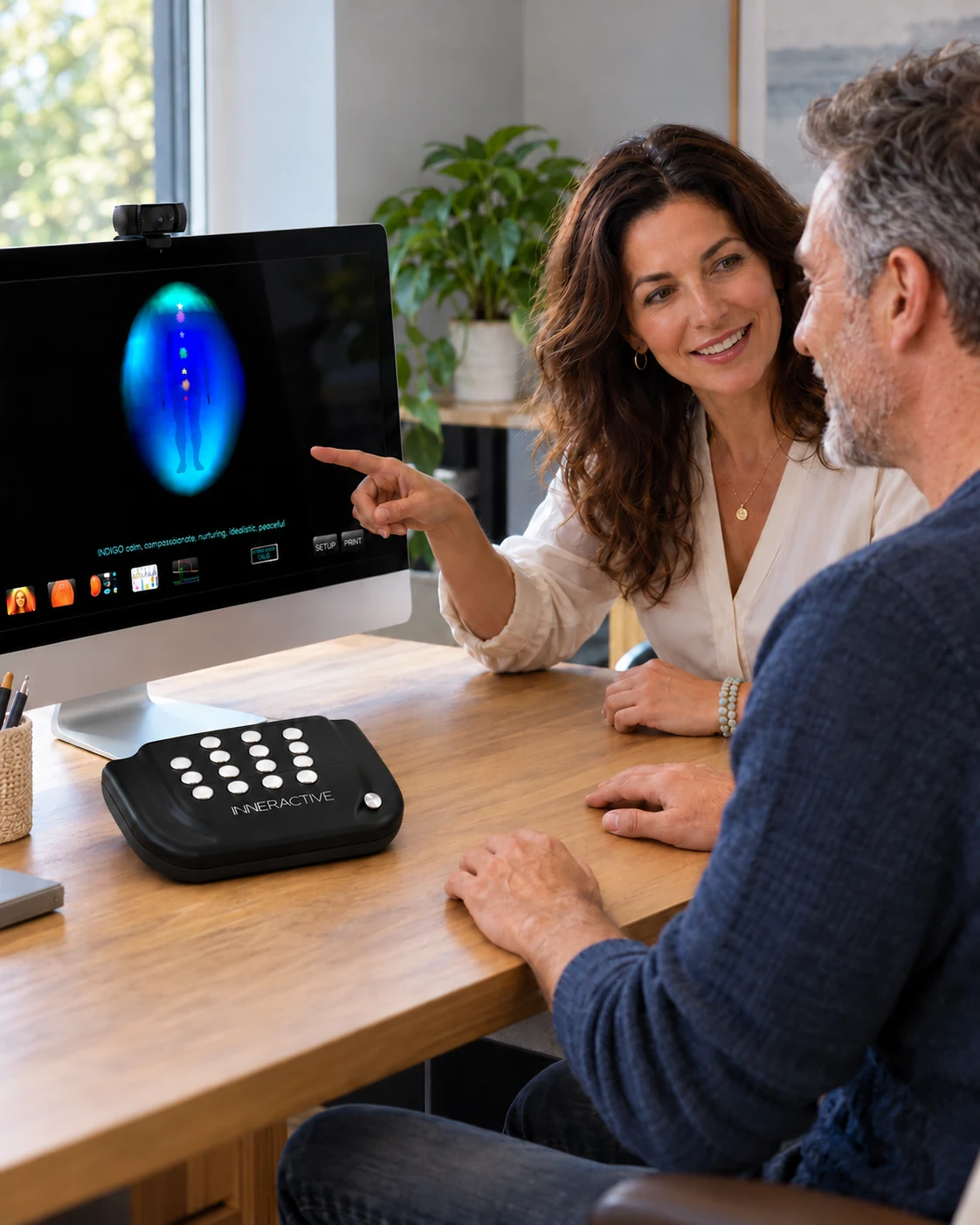
Computer not included.
Discuss the output
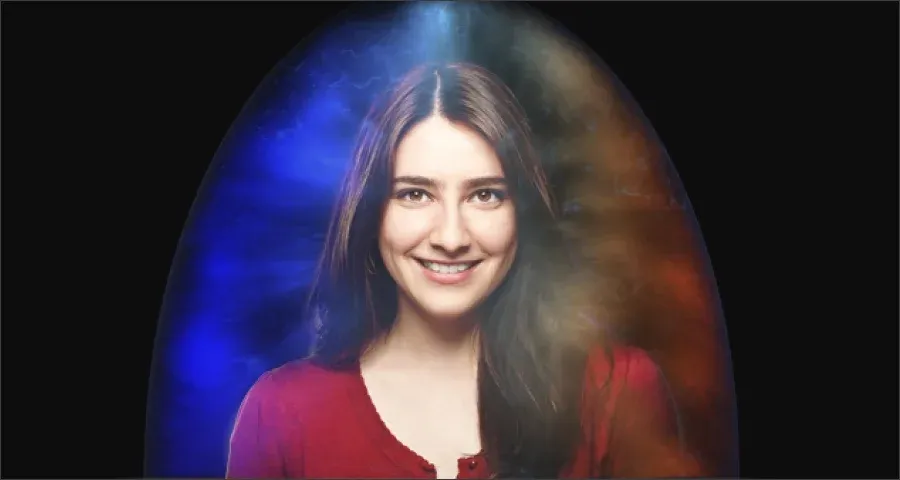
In aura traditions, colors and chakras carry symbolic meanings. Use those associations as conversation starters and room for personal reflection.
Explore AuraCloud® 3D for new inquiries
Explore the available AuraCloud® 3D configurations and their visual-session workflows.
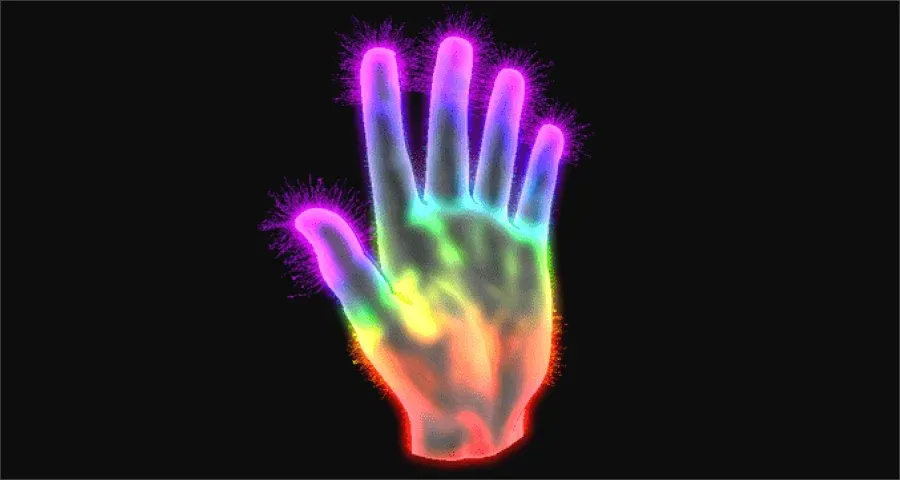
AuraCloud® 3D Pro
Ask about the available AuraCloud® 3D Pro configuration and its session workflow.
+ AuraPet & AuraHealer
+ AuraVid, AuraSim, AuraGraph, AuraScript
AuraCloud® 3D Basic
Ask about the available AuraCloud® 3D Basic configuration and the equipment it requires.
+ AuraVid, AuraSim, AuraGraph, AuraScript
Plan your existing AVS setup
Start with your existing AVS product and version, then review its practical setup details.
Your setting
Consider the available space and the way participants will approach and leave the session.
Your presentation
Choose where the operator and participant will view the display and discuss the imagery.
Your equipment
Confirm the computer, software, sensor and camera requirements for the exact package.
AVS references and AuraCloud® 3D inquiries
Questions about your setup?
Describe the product, version and session you have in mind so the inquiry has the right context.
AVS is an aura system for visual sessions with aura and chakra-style imagery. These pages retain AVS product references and guidance for existing owners.
For a new visual-session system, we recommend AuraCloud® 3D. Existing AVS owners can continue to use these reference pages and ask questions about their product and version.
Consider a studio, shop or event setting and compare its space and operating needs with the requirements of the selected configuration.
Ask about the report options for your exact product and software version. For a new AuraCloud® 3D inquiry, request examples for the proposed configuration.
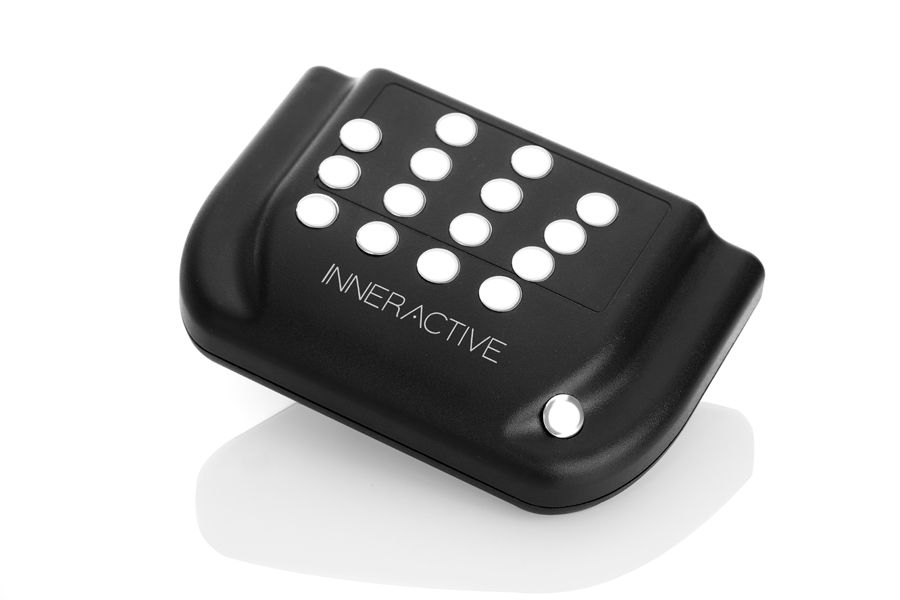
Confirm the sensor, camera and computer requirements for the exact AVS package. Hardware specified for AuraCloud should not be assumed compatible with AVS.
For new equipment, compare the available AuraCloud® 3D configurations and itemized package contents. For an AVS reference question, identify Basic or Pro and your software version.
Ask about AuraCloud® 3D
For new equipment inquiries, ask about AuraCloud® 3D packages and setup requirements. For an existing AVS system, include your product, version and owner-help question.