
Aura Video Station 7 Pro
This page retains AVS model reference information and owner guidance. For new equipment inquiries, we recommend AuraCloud® 3D.
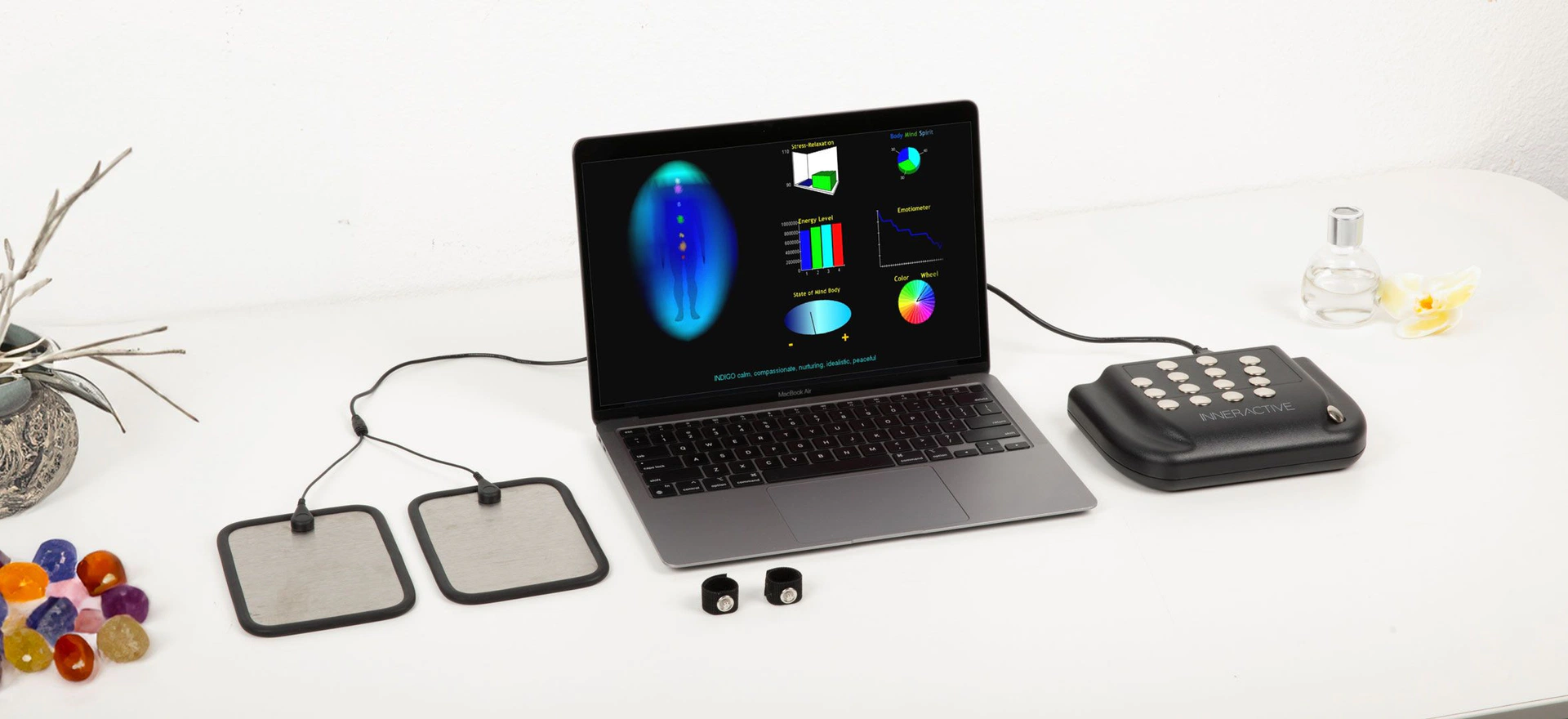
Computer not included.
Review your existing sessions
Consider the setting, operator steps and visual presentation of your existing AVS system. Use its written specifications and operating instructions when reviewing the setup.
Understand the workflow
Review how the selected software, sensor and camera work together in a session. Use the operating instructions for the exact product and version.
Explore color symbolism
Aura and chakra imagery draws on metaphysical traditions. Color associations offer a starting point for conversation and personal reflection, with room for different interpretations.
Identify your existing package
Identify the software version, equipment and accessories in your existing AVS package. Include these details when asking an owner-help question.
Software options to review
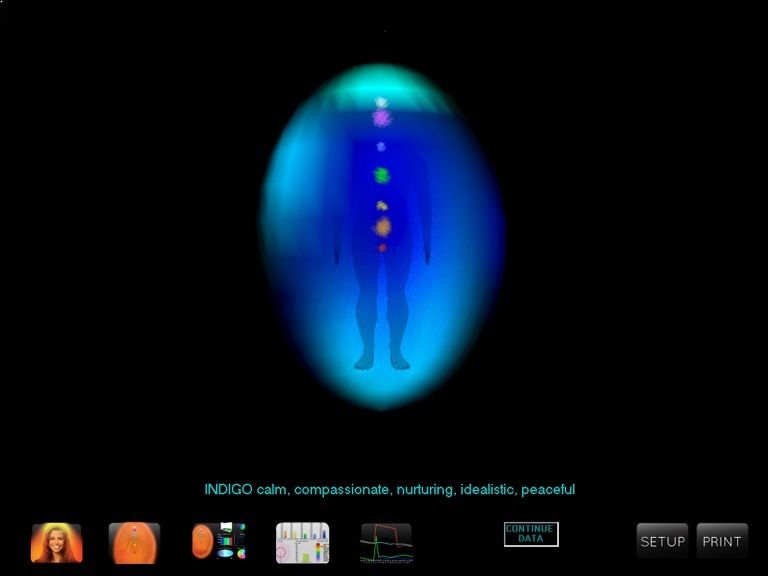
Aura Chakra Viewer
Review the aura and chakra-style display options.
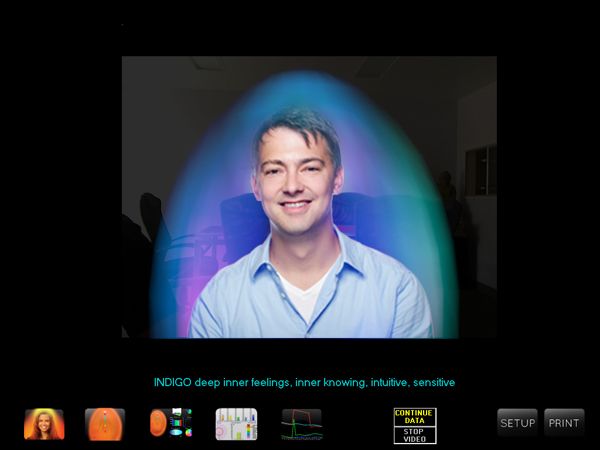
Aura Video Camera
Review the camera presentation in the AVS workflow.
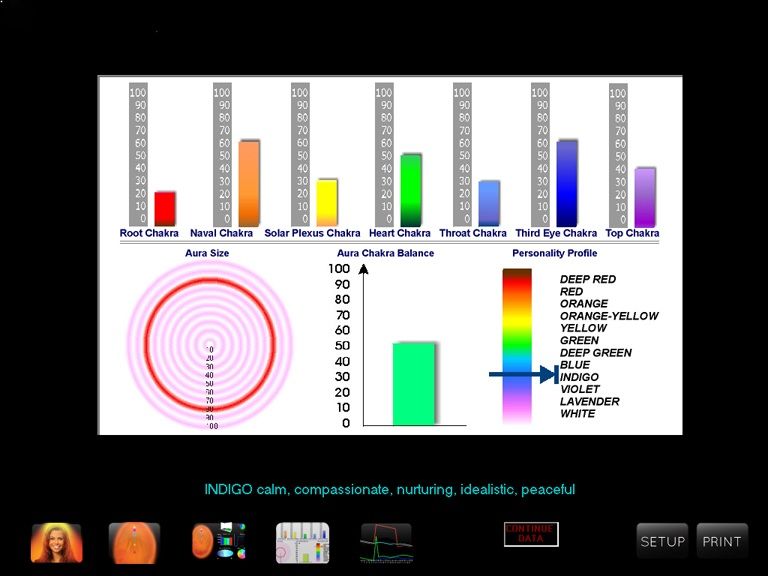
Aura Chakra Graphs
Review the graph views available in the selected version.
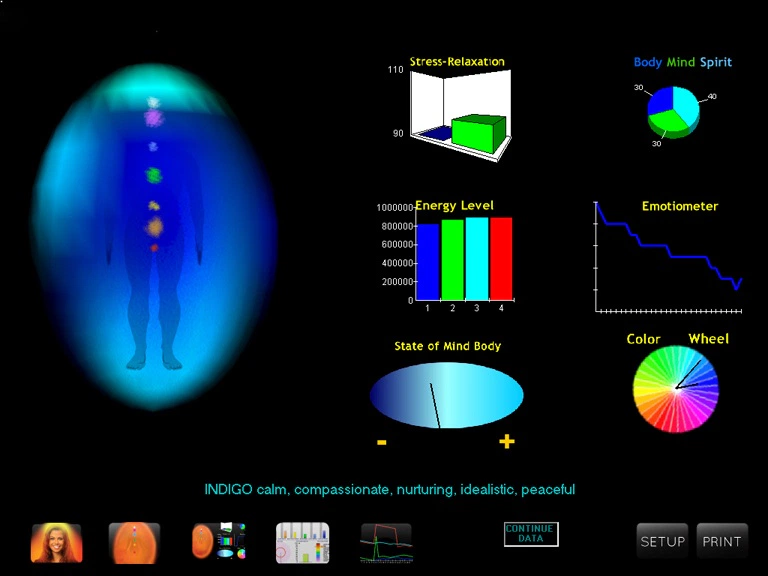
Aura-In-Motion
Ask about the available moving-image presentation.
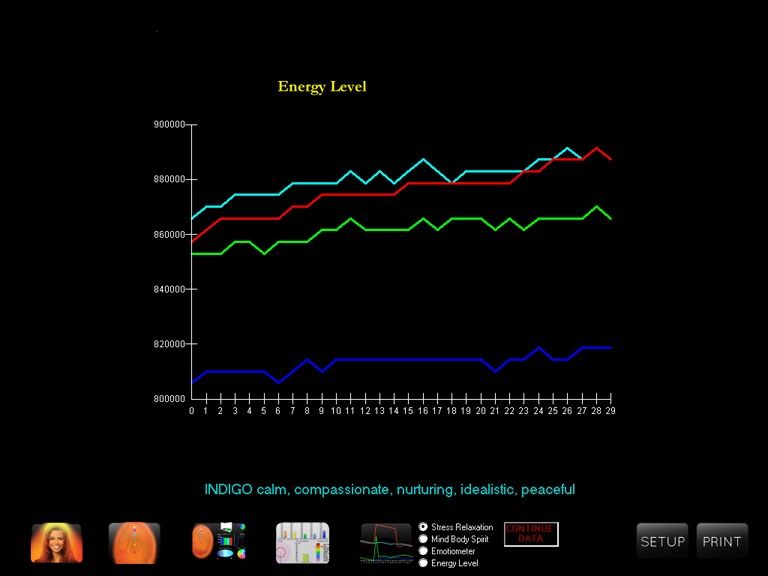
Energy Data Graphs
Ask how the displayed graphs are presented and explained.
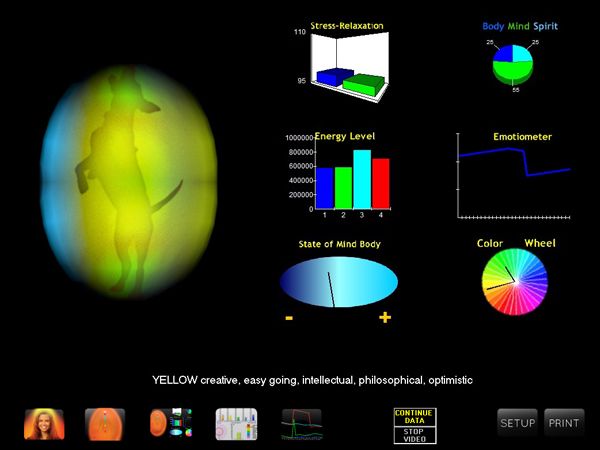
Animal App View
Display an animal silhouette with moving aura colors, without chakra markers.
Hardware to confirm
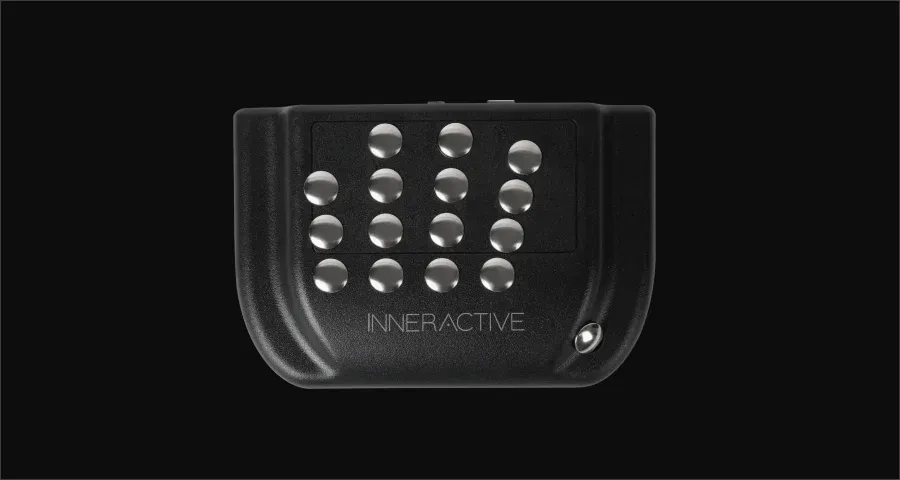
InnerSense Sensor
Confirm the compatible sensor and its operating instructions.
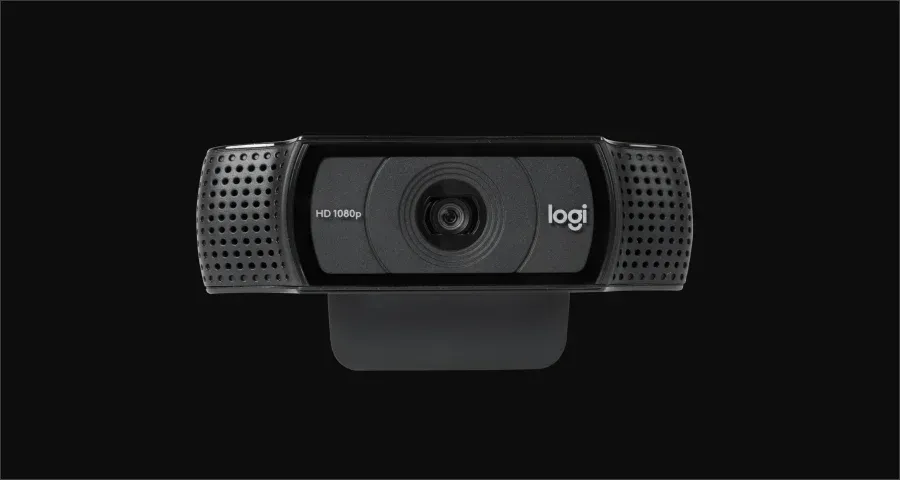
Logitech HD Web Camera
Confirm the camera model and computer requirements.
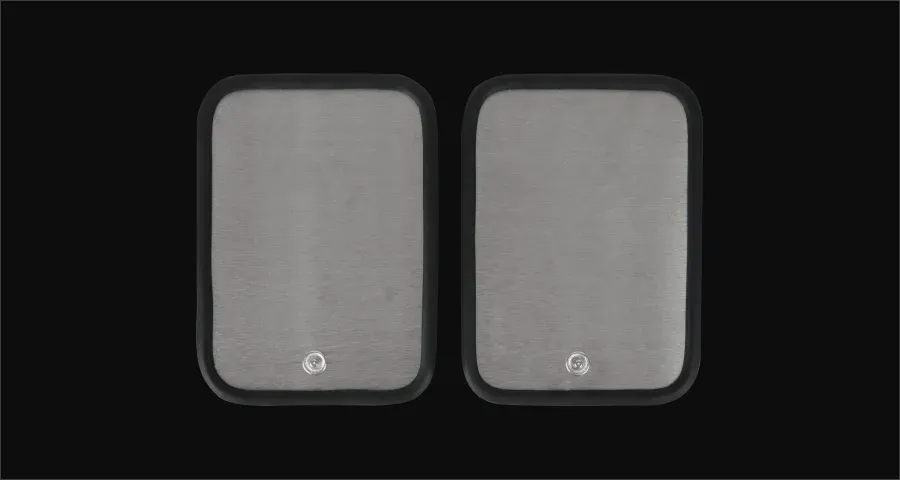
Animal Aura Paw Plates
Confirm whether this accessory is included and compatible.
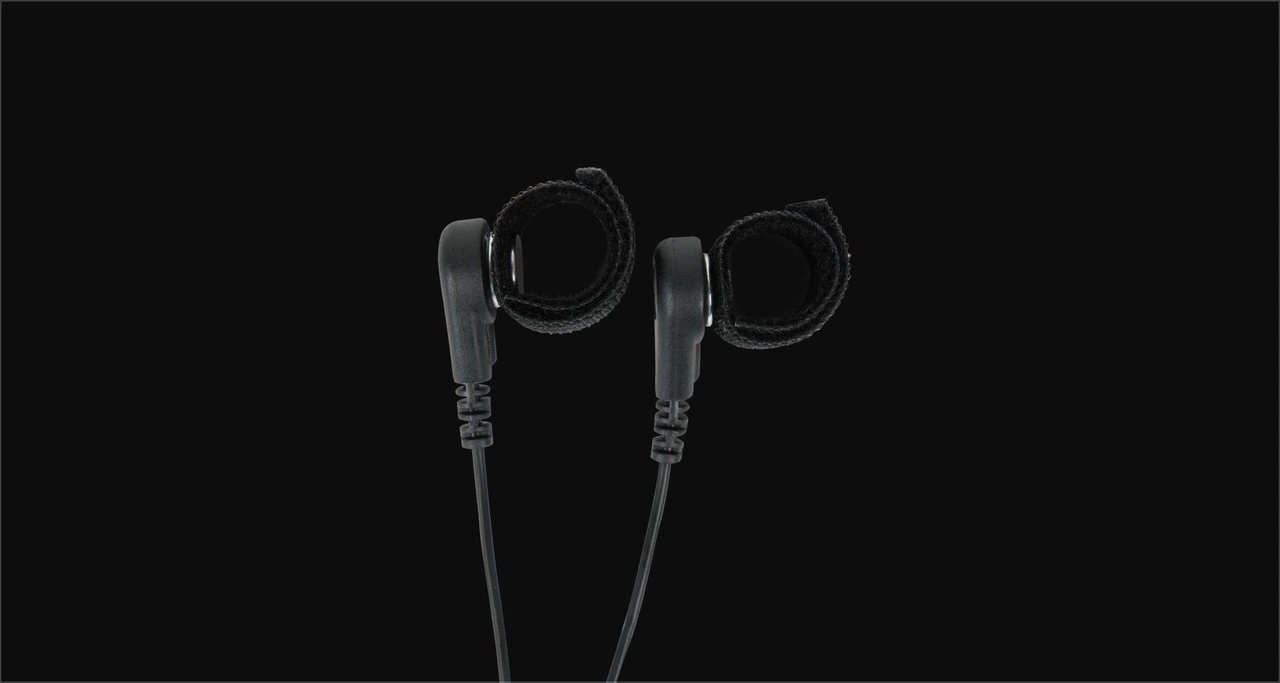
ReikiTips
Confirm whether this accessory is included and compatible.
AVS references and AuraCloud® 3D inquiries
Questions about your setup?
Describe the product, version and session you have in mind so the inquiry has the right context.
AVS is an aura system for visual sessions with aura and chakra-style imagery. These pages retain AVS product references and guidance for existing owners.
For a new visual-session system, we recommend AuraCloud® 3D. Existing AVS owners can continue to use these reference pages and ask questions about their product and version.
Consider a studio, shop or event setting and compare its space and operating needs with the requirements of the selected configuration.
Ask about the report options for your exact product and software version. For a new AuraCloud® 3D inquiry, request examples for the proposed configuration.
Confirm the sensor, camera and computer requirements for the exact AVS package. Hardware specified for AuraCloud should not be assumed compatible with AVS.
For new equipment, compare the available AuraCloud® 3D configurations and itemized package contents. For an AVS reference question, identify Basic or Pro and your software version.
Ask about AuraCloud® 3D
For new equipment inquiries, ask about AuraCloud® 3D packages and setup requirements. For an existing AVS system, include your product, version and owner-help question.