Planning a Visual Session
An illustrative planning guide, not a customer case study.
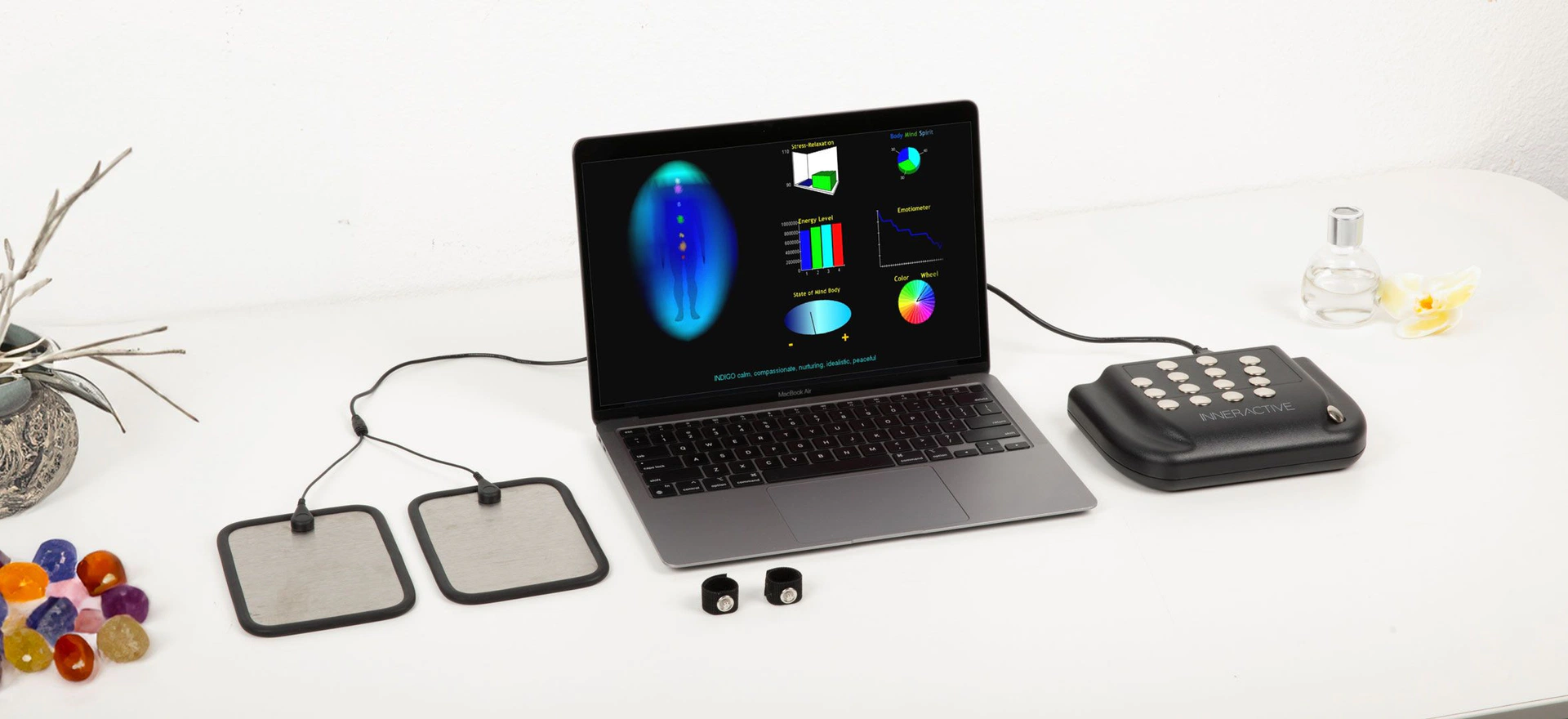
Computer not included.
Define the setting
Start with the room or event space, the intended session length and the role of the operator. Identify the equipment and setup requirements before planning the presentation.
Choose the configuration
For a new visual-session system, compare available AuraCloud® 3D configurations. Request an itemized package and explain the workflow you have in mind.
Review the experience
Walk through the steps from seating to discussion of the visual output. Decide how you will explain color symbolism, answer questions and handle any reports available in the selected package.
Your next planning step
List the questions specific to your venue and product choice. Use that list for an equipment inquiry or, for an existing system, an owner-help request.
Ask about AuraCloud® 3D
For new equipment inquiries, ask about AuraCloud® 3D packages and setup requirements. For an existing AVS system, include your product, version and owner-help question.