A Better Support Handoff for Your AuraVideoStation Setup
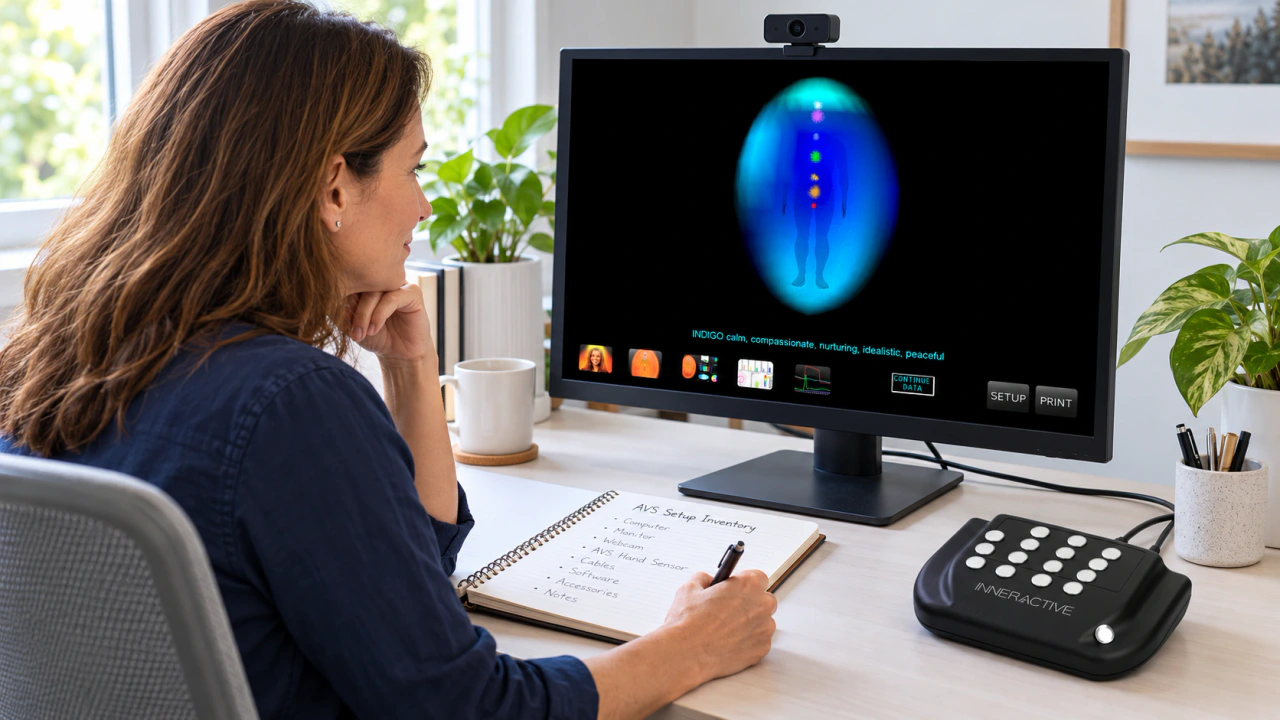
For existing owners who use AuraVideoStation 7 in sessions shaped by aura traditions, a support question often starts with a practical interruption: something on the familiar setup looks different, or a normal step no longer produces the expected result. A useful handoff turns that moment into a clear account another person can follow. You do not need a technical theory before asking for help. You need the identity of the existing system, a description of the task and a careful distinction between what you expected and what you observed.
Identify the System You Actually Own
Begin with the product name shown on your existing documentation or application. If you are asking about AuraVideoStation 7, say so explicitly. Add the version information exactly as it appears in the application's existing version or information readout, if you can locate it through the ordinary interface. Preserve the wording rather than translating it into a newer product name.
If you cannot find a version, write that it is not yet identified. A support team can ask for the appropriate next detail. Keep a photograph or screenshot of a relevant product label for your own reference, sharing only the information needed through the established support channel.
Describe One Task From Start to Finish
Explain what you were trying to do before describing the problem. 'I opened the application and selected the same view I normally use' gives the reader a starting point. 'It is not working' does not yet identify the task.
Write a short sequence of the ordinary steps you took. Use the labels you can actually see, and note where the observed result first differs from your expectation. If a message appears, copy its wording accurately. Distinguish a message displayed by the application from one displayed by the computer's operating system. When the origin is unclear, say where on the screen it appeared.
Separate Expected and Observed Results
Give these two descriptions their own sentences. The expected result is what normally happens on your existing setup. The observed result is what happened this time. For example: 'Normally, this step opens the selected view. Today, the previous view remains visible.' Use an example only when it matches your experience.
Describe the visible outcome before offering an explanation. If a connection seems involved, report the actual observation, such as an accessory no longer appearing where you usually see it. Save theories about internal components for a later exchange with someone who has reviewed the evidence. Precise observations are useful even when the cause is unknown.
Record What Still Works and What Changed
A support handoff becomes more informative when it includes the parts of the workflow that remain available. Perhaps the application opens, an existing file can be viewed or the same issue occurs only at one step. Record those distinctions without repeatedly attempting an action that is already producing an unexpected result.
Then note the last time the task worked as expected and any changes you know occurred afterward. Examples might include moving the setup, changing a connected accessory or installing an ordinary software update. Separate confirmed events from possibilities. 'I moved the setup on Monday' is clearer than 'Something may have changed recently.'
Prepare Screenshots With Care
Choose a screenshot that shows the relevant view and its immediate context. A close crop of a message may be useful, but a second view can show which application or step produced it. Label the images in the same order as your written sequence.
Before sharing, inspect every image for guest names, faces, email addresses, private reports and unrelated open windows. Use a copy when cropping or redacting, and retain the original privately in case a different view is later needed. Share the smallest useful amount of information. If the relevant screen contains someone else's information, describe the issue in text first and ask what alternative evidence would help.
Give the Physical Setup a Plain Description
List the existing equipment involved using the names on its labels or your original paperwork. Describe how the setup is arranged in everyday terms. An equipment photograph can provide context if it excludes private information and clearly shows the components you are asking about.
Do not guess at a component name from a similar-looking product online. If a label is unclear, note that uncertainty. For an existing AVS 7 question, keep the handoff anchored to that installation. Information about another model may be interesting, but it should not silently become the description of the equipment you own.
Assemble One Readable Request
Put the essential information in a short opening summary: product and version if known, the task affected, when you last saw the expected result and what happens now. Follow with the numbered sequence, exact message wording and the few screenshots that support it.
Close with the question you want answered, such as which documented step or version detail would help the support team continue. Keep a copy of the request and add later replies to the same conversation where possible. A single coherent history is easier to follow than several messages containing different fragments of the same issue.
Keep Owner Help and New Inquiries Separate
A request about an existing AuraVideoStation 7 installation is an owner-help conversation. State that purpose clearly so the response can address the setup you already have. If you are separately considering a new system, an AuraCloud® 3D inquiry can describe that different goal in its own context. One conversation need not become a sales discussion to make the other useful.
A good handoff does not promise an immediate answer. It makes the next exchange more focused. With the system identified, the sequence explained and private details removed, the support team can ask a precise follow-up instead of beginning by reconstructing the basic story.